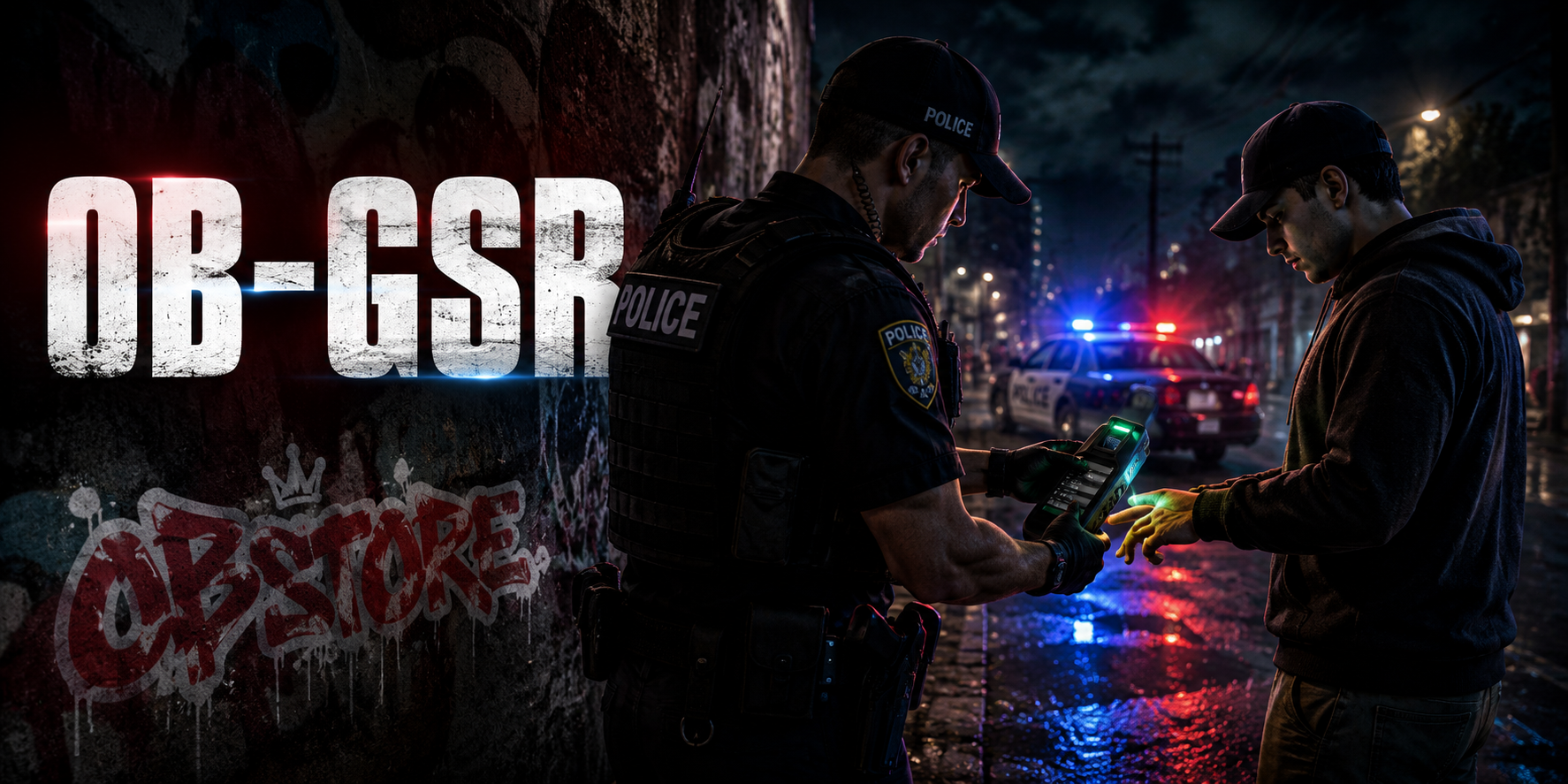
OB-GSR is an advanced FiveM script that allows police officers and authorized jobs to perform gunshot residue and knife residue tests on players.
The authorized officer selects a nearby player, the target places their finger on the scanner, and the test result is displayed after the analysis process is completed.
General Features
- QBCore, Qbox and ESX support
- Gunshot residue testing
- Knife residue testing
- Select nearby players by first and last name
- Dedicated fingerprint scanning screen for the target player
- Realistic scanning and analysis animation
- Positive and negative test results
- Test history and coordinate records
- Configurable job and rank permissions
- Handcuff status requirement
- Configurable residue durations
- Item or command usage
- Server-side security validation
- Modern and responsive user interface
- Optimized resource usage
- Easy-to-configure settings
- Turkish and English localization
-
A total of 10 languages will be added in future free updates
Installation
- Move the downloaded
ob-gsr folder into your server’s resources directory.
resources/[obstore]/ob-gsr
- Import the included SQL file into your database if the package contains one.
- Add the
gsr_kit item to your framework and inventory system.
- Move the item image into your inventory system’s images folder.
- Open
config.lua and configure the following settings:
- Framework selection
- Authorized jobs
- Minimum job grades
- GSR test item
- Handcuff item or handcuff detection system
- Testing distance
- Scanning duration
- Gunshot residue duration
- Knife residue duration
- Language selection
- Configure the state bag, metadata or export used by your police or handcuff script.
- Add the following line to your
server.cfg after your framework and inventory resources:
ensure ob-gsr
- Restart your server.
Requirements
- QBCore, Qbox or ESX
- Compatible inventory system
- Handcuff system
- oxmysql or a supported database connection