PACKAGE

OB-MARKET V2 | Advanced Market System

FREE
OB-MARKET V2 | Advanced Market System
YouTube video
OB-MARKET V2 | Advanced Market System
DETAILS

OB-MarketV2 | Advanced Market and Department Store System

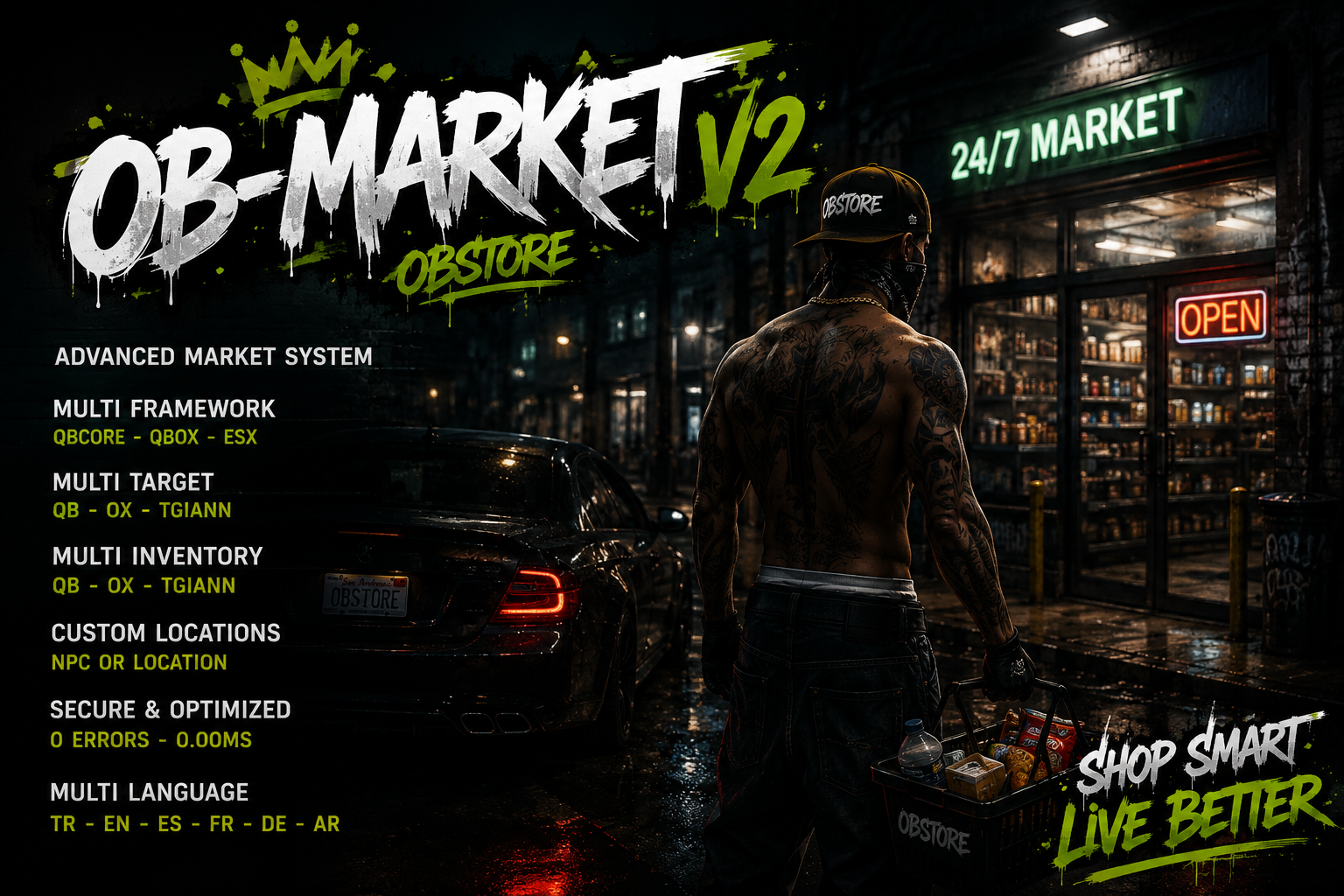
OB-MarketV2 is a modern, secure, and highly configurable market system developed for FiveM servers.

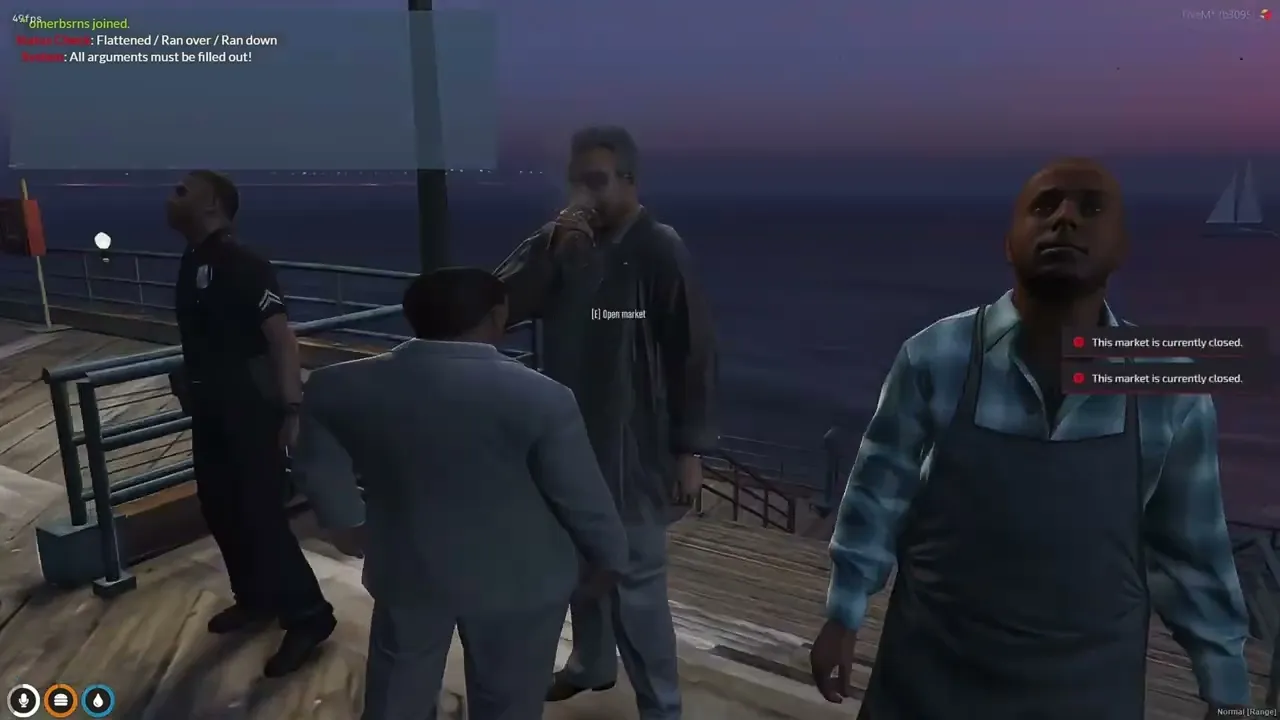
Standard stores, job-restricted department shops, and hidden black markets can all be managed through a single resource. Markets can be opened through an NPC, a target system, or directly from a configured location.

With support for QBCore, Qbox, and ESX, OB-MarketV2 can be integrated into different server infrastructures without rebuilding the entire resource.

Main Features

  • QBCore, Qbox, and ESX support
  • QB Inventory, OX Inventory, and TGIANN Inventory support
  • QB Target, OX Target, and TGIANN Target support
  • NPC-based market interaction
  • Location-based market interaction
  • Target or E key interaction
  • Standard market system
  • Black market system
  • Job-restricted department stores
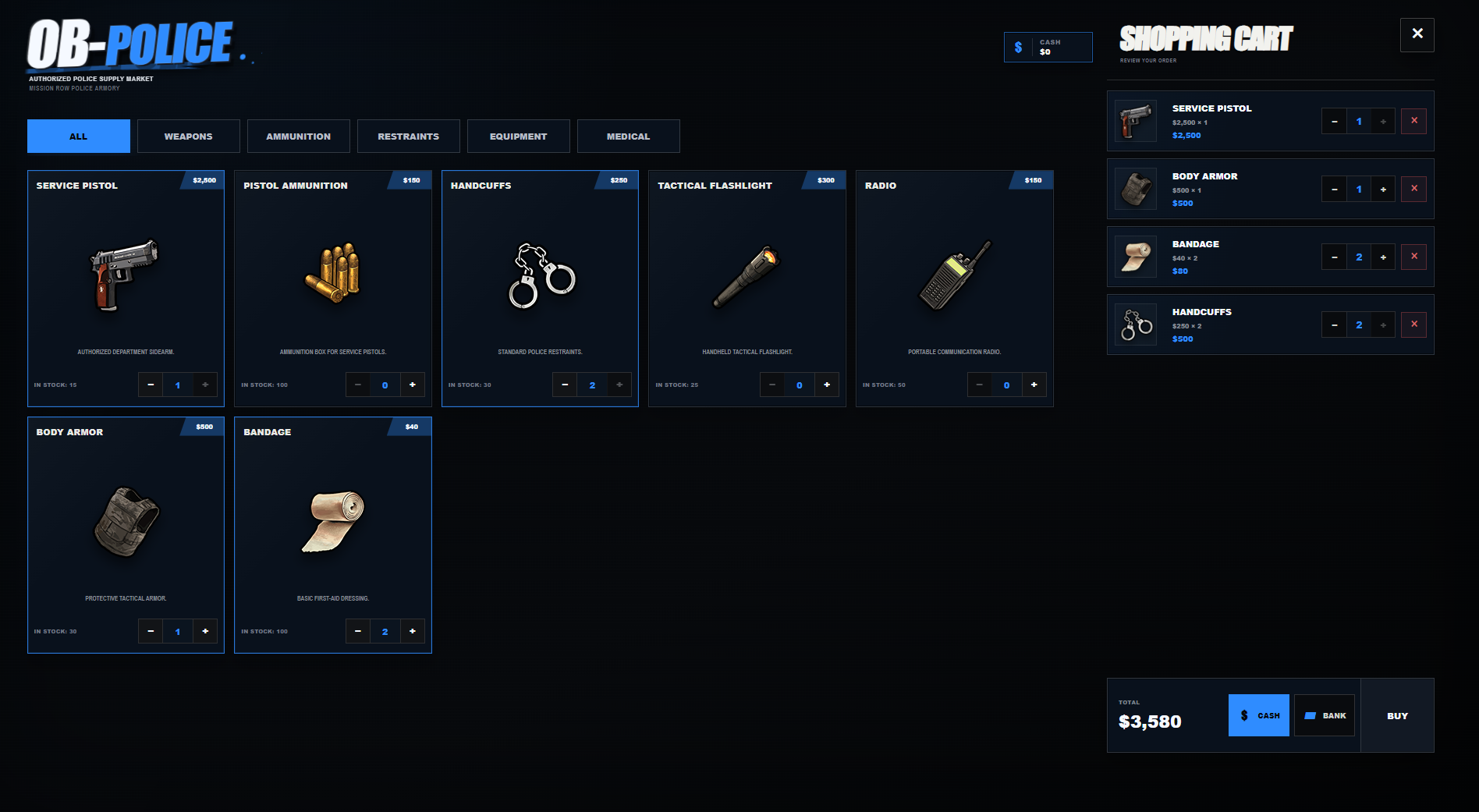
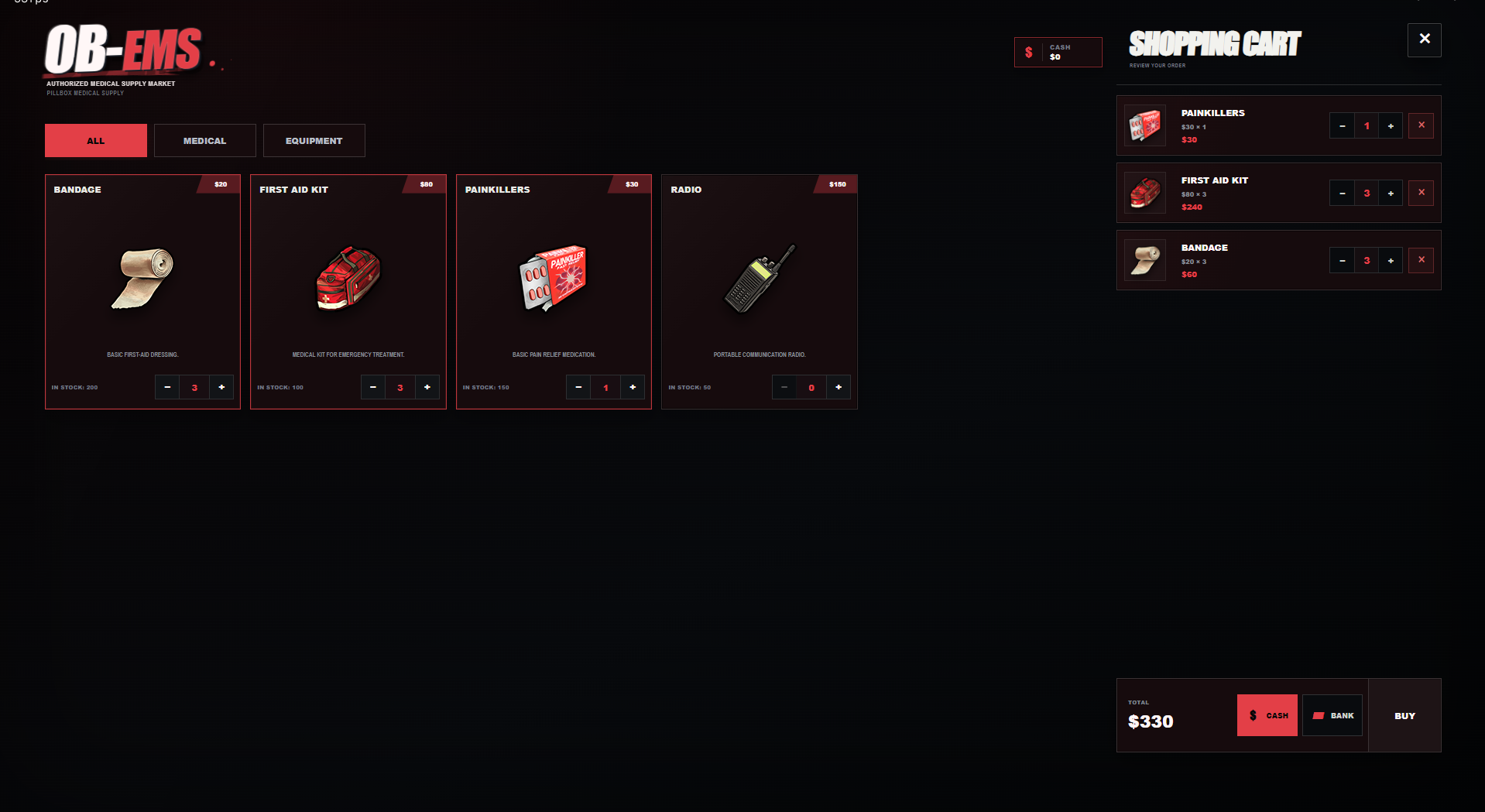
  • Police and ambulance supply stores
  • Job and minimum-grade restrictions
  • Separate product catalog for each market
  • Separate pricing for each market
  • Cash and bank payment methods
  • Increase or decrease product quantities
  • Remove products from the shopping cart
  • Unit price and line total display
  • Automatic item images from the inventory system
  • Multi-language support
  • Responsive and modern NUI
  • Easy configuration
  • Server-side security validations
  • Event spam and exploit protection
  • Distance validation
  • Product and price validation
  • Optimized for low idle resource usage

Supported Languages

  • Turkish
  • English
  • Spanish
  • French
  • German
  • Arabic

Right-to-left layout is supported when the Arabic language is selected.

Market Types

Standard Markets

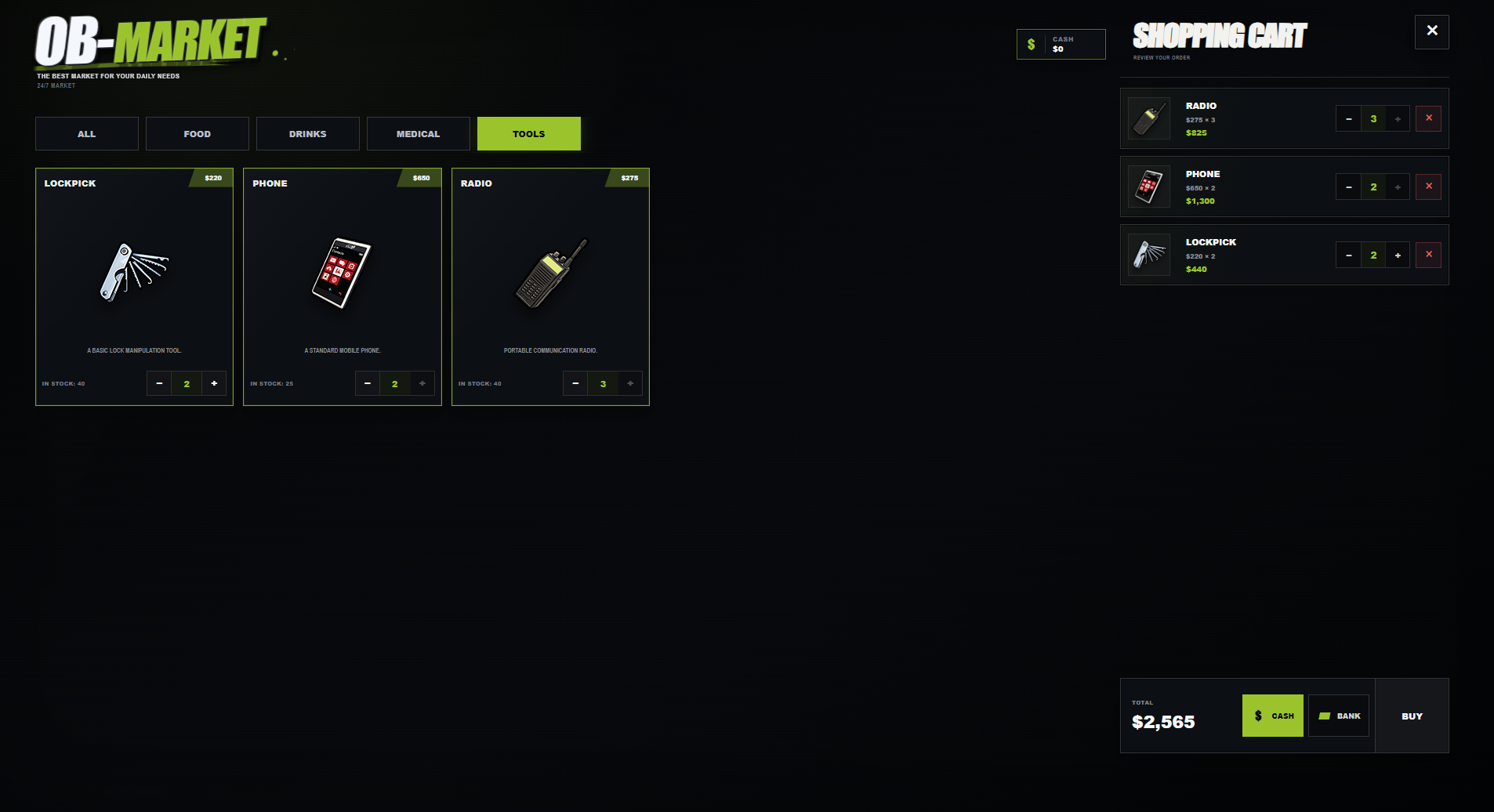
Standard stores allow players to purchase food, drinks, medical supplies, tools, and other server items.

Each store can have its own products, prices, payment methods, NPC model, blip settings, and UI theme.

Black Markets

Black markets can be placed at hidden locations and configured with restricted products or special access requirements.

You can configure:

  • Required items
  • Job restrictions
  • Gang restrictions
  • ACE permissions
  • Opening hours
  • Hidden blips
  • Custom products
  • Custom prices

Department Stores

Create private stores for specific jobs and departments.

Example use cases:

  • Police equipment store
  • Ambulance and EMS supply store
  • Mechanic equipment shop
  • Security department shop
  • Private organization stores

Only players with the configured job and minimum grade can access the department store.

The job requirement is checked when the market is opened and validated again by the server during the purchase process.

Custom UI Themes

OB-MarketV2 supports different visual themes depending on the selected market type.

  • Standard market: Black and green
  • Police market: White and blue
  • Ambulance market: White and red
  • Black market: Dark underground theme

Each department can have its own title, logo, colors, branding, and store name.

Automatic Item Images

You do not need to manually define every product image inside the configuration.

OB-MarketV2 reads item information from the active inventory system and attempts to load the correct item image automatically.

Supported systems:

  • QB Inventory
  • OX Inventory
  • TGIANN Inventory

Custom image paths can also be configured for modified inventory systems.

Location System

All market locations are managed from a separate locations.lua file.

Adding a new market only requires a market type and coordinates.

Config.Locations = {
    market = {
        vector4(24.47, -1346.62, 29.50, 271.66),
        vector4(1960.15, 3740.02, 32.34, 297.47)
    },

    blackmarket = {
        vector4(1207.11, -3115.18, 5.54, 88.92)
    }
}

Markets can also work directly from a location without spawning an NPC.

{
    coords = vector4(372.61, 326.35, 103.57, 255.47),

    ped = {
        enabled = false
    },

    blip = {
        enabled = false
    }
}

Adding Department Stores

Department store locations can be added through locations.lua.

department = {
    {
        id = 'police_supply_01',
        department = 'police',
        coords = vector4(441.84, -981.92, 30.69, 91.20)
    },

    {
        id = 'ambulance_supply_01',
        department = 'ambulance',
        coords = vector4(307.12, -601.62, 43.28, 69.42)
    }
}

Job access, minimum grades, products, and UI themes are managed from the main configuration.

Config.Departments = {
    police = {
        catalog = 'police',

        access = {
            jobs = {
                police = 0
            }
        },

        ui = {
            brandText = 'POLICE',
            theme = 'police'
        }
    }
}

How It Works

  1. The player approaches a configured market NPC or market location.
  2. The market is opened using a target system or the E key.
  3. The server validates the player’s distance and access permissions.
  4. Product information and current prices are loaded from the server.
  5. The player adds products to the shopping cart.
  6. Product quantities can be changed from the product card or cart.
  7. The player selects cash or bank payment.
  8. The server validates the products, prices, distance, job access, and inventory capacity again.
  9. After successful payment, the items are added to the player’s inventory.
  10. When delivery fails, the transaction is cancelled or refunded where supported.

All important purchase checks are performed on the server. The resource does not directly trust prices or product data sent by the client.

Security

OB-MarketV2 uses multiple validation layers to protect purchase transactions.

  • Server-side price validation
  • Server-side product validation
  • Market validation
  • Player distance checks
  • Job and grade validation
  • Session validation
  • Event spam rate limiting
  • Inventory capacity checks
  • Invalid quantity protection
  • Suspicious transaction logs
  • Discord webhook support

Compatibility

Frameworks

  • QBCore
  • Qbox
  • ESX

Inventories

  • QB Inventory
  • OX Inventory
  • TGIANN Inventory

Target Systems

  • QB Target
  • OX Target
  • TGIANN Target
  • Standalone E key interaction

Configurable Options

  • Market locations
  • NPC models
  • NPC animations
  • Blip settings
  • Product catalogs
  • Product prices
  • Product categories
  • Store names
  • UI themes
  • Payment methods
  • Job restrictions
  • Minimum job grades
  • Required items
  • Opening hours
  • Black market access requirements
  • Language selection
  • Notification system
  • Inventory system
  • Target system
  • Discord webhook settings

Package Contents

  • Client files
  • Server files
  • Framework bridge
  • Inventory bridge
  • Target bridge
  • NUI files
  • Locale files
  • Configuration files
  • locations.lua
  • Installation documentation