
PACKAGE

OB Jumpscare

FREE
OB Jumpscare
OB Jumpscare
OB Jumpscare
OB Jumpscare
DETAILS

What is OB Jumpscare?

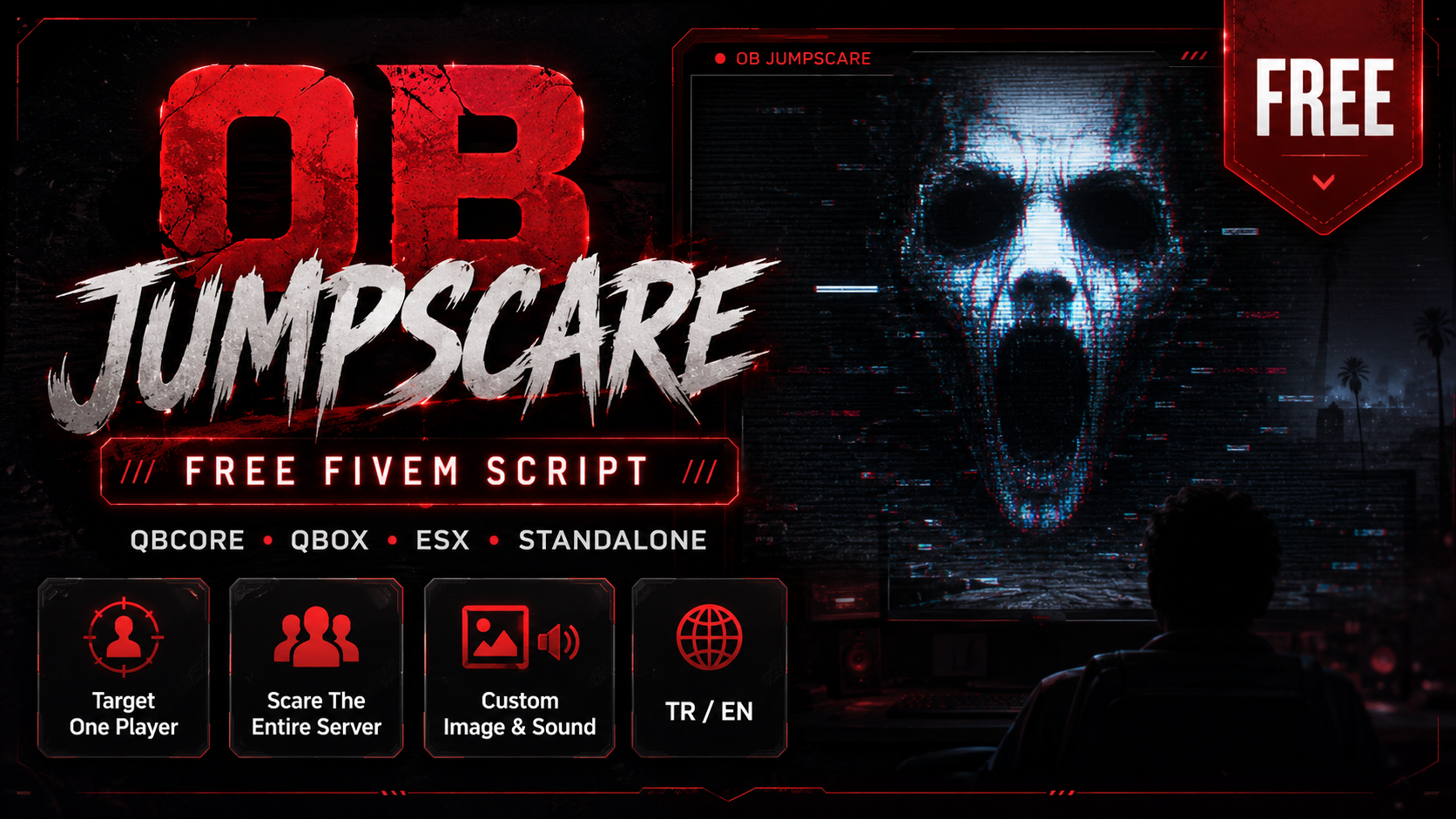
OB Jumpscare is a free administration and entertainment script for FiveM servers. It allows authorized staff members to send a visual and audio jumpscare to a specific player or every connected player.

Staff members can use the /jumpscare command with a player's server ID to target only that player. The script also includes an option to trigger the jumpscare for the entire server.

The default image and sound can easily be replaced with your own media files.

Features

  • QBCore support
  • Qbox support
  • ESX support
  • Standalone support
  • Turkish and English language options
  • Send a jumpscare to a specific player
  • Send a jumpscare to the entire server
  • Configurable permission system
  • ACE Permission support
  • QBCore job and permission support
  • ESX group and permission support
  • Command spam protection
  • Configurable cooldown
  • Configurable jumpscare duration
  • Configurable sound volume
  • Custom image support
  • Custom sound support
  • Client and server exports
  • Optimized resource usage
  • Clean NUI system
  • Automatic NUI cleanup when the resource stops
  • Completely free

Commands

Send a jumpscare to a specific player:

/jumpscare [player ID]

Example:

/jumpscare 12

Send a jumpscare to the entire server:

/jumpscare all

Changing the Image and Sound

You can use your own jumpscare image and sound.

The filenames must remain exactly as follows:

jumpscare.png
jumpscare.mp3

Replace the existing files with your custom image and audio files.

Recommended image format:

PNG
1920x1080 or 1080x1080

Recommended audio format:

MP3
Short and optimized audio file

Installation

  1. Upload the jumpscare folder to your server's resources directory.
  2. Configure the config.lua file.
  3. Add the following line to your server.cfg:
ensure jumpscare
  1. Start the resource or restart your server.

Requirements

There are no required dependencies.

The script can automatically work with:

  • QBCore
  • Qbox
  • ESX
  • Standalone

Configuration

The following settings can be configured:

  • Framework selection
  • Language selection
  • Authorized groups
  • Authorized jobs
  • ACE Permission
  • Command name
  • Jumpscare duration
  • Sound volume
  • Cooldown duration
  • Server-wide command
  • Zone system
  • Debug mode

Support

This product is provided free of charge.

When requesting support, please provide:

  • Your framework
  • Server artifact version
  • Console error message
  • Video or screenshot of the issue
  • Relevant section of your configuration

Important Notice

This resource should only be used for entertainment and server events. Using an excessively high sound volume may negatively affect the player experience.

By using this resource, you agree to the product terms.